QR Code Best Practices: Design, Tracking, and Use Cases
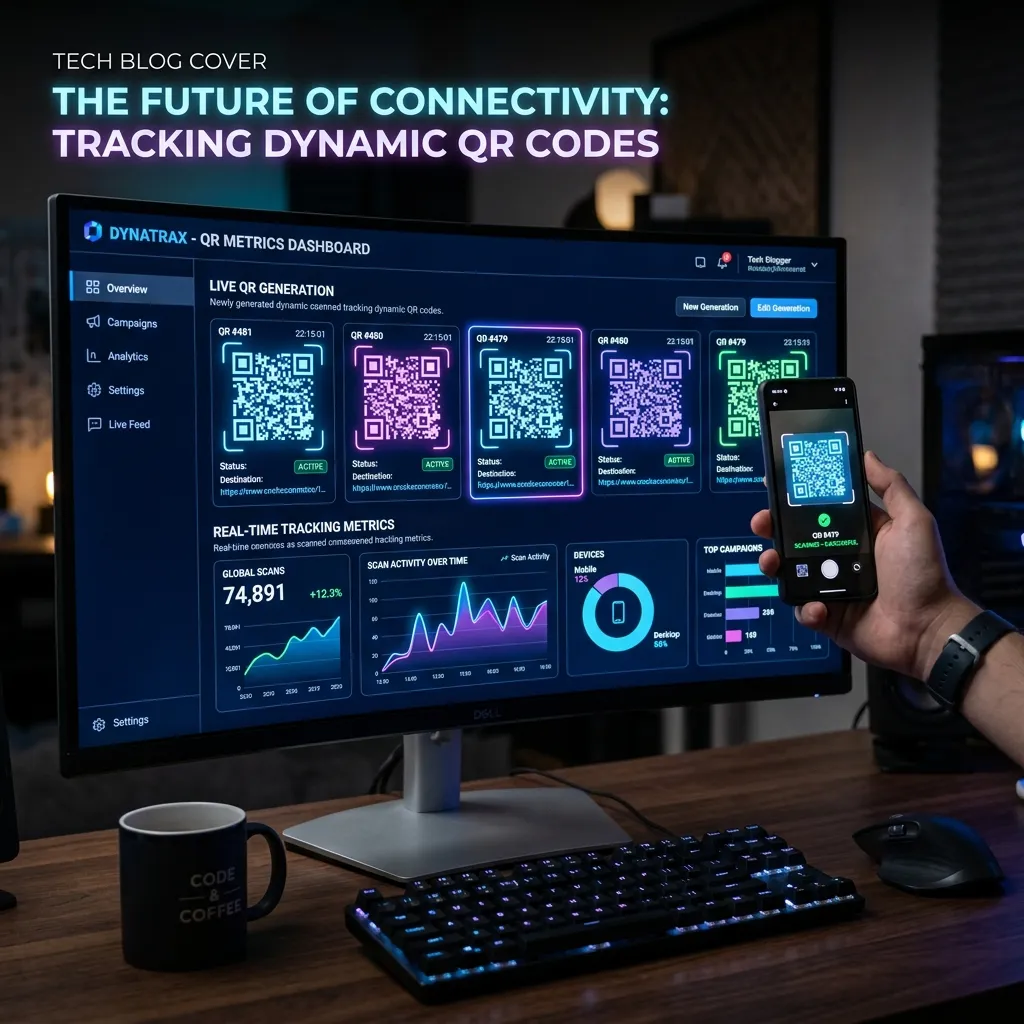
Quick Response (QR) codes have evolved from inventory tracking mechanisms to ubiquitous marketing and utility tools. But underneath the grid of black and white squares lies a robust mathematical algorithm. Understanding how QR codes encode data and correct errors allows you to design better, more reliable codes for your users.
Step-by-Step Guide
- Determine whether you need a static QR code (permanent URL) or a dynamic QR code (changeable URL/analytics).
- Generate the code using a reliable service, ensuring sufficient contrast (e.g., dark code on a white background).
- Test the QR code using multiple different smartphone cameras and scanning apps to ensure broad compatibility.
- Print the code at an appropriate size relative to the scanning distance, keeping a clear 'quiet zone' around the edges.
The Anatomy of a QR Code
A standard QR code consists of several key structural elements:
- Finder Patterns: The three large squares in the corners that allow the scanner to detect the code's orientation.
- Alignment Patterns: Smaller squares scattered through the code (in larger versions) that help correct distortion if the code is printed on a curved surface.
- Timing Pattern: Alternating black and white modules connecting the finder patterns, dictating the grid size.
- Data and Error Correction: The bulk of the matrix, containing the actual payload (like a URL) and mathematical redundancy.
Error Correction: The Secret to Customization
QR codes use the Reed-Solomon error correction algorithm. This mathematical redundancy means that even if a portion of the code is obscured, damaged, or replaced by a logo, the scanner can still reconstruct the original data.
There are four levels of error correction:
- Level L (Low): Restores ~7% of data. Best for dense data in a small space where no logos are added.
- Level M (Medium): Restores ~15% of data. The standard for most general uses.
- Level Q (Quartile): Restores ~25% of data. Recommended when adding small custom logos.
- Level H (High): Restores ~30% of data. Essential for codes with large center logos or codes placed in harsh environments (e.g., outdoor stickers).
Trade-off: Higher error correction requires a larger, denser QR code grid. If you are generating a vCard with a lot of text, using Level H might make the code too dense to scan easily on low-quality phone cameras.
Static vs. Dynamic QR Codes
A Static QR Code encodes the final destination data directly into the matrix. If you encode a 100-character URL, the code becomes dense. Once printed, a static code cannot be changed. If the URL breaks, the printed material is useless.
A Dynamic QR Code encodes a short, intermediary URL (e.g., https://qr.co/xyz) which then redirects the user to the final destination. Because the encoded URL is short, the QR code is simple and easy to scan. More importantly, the destination can be changed at any time in the routing database without altering the printed code.
Best Practices for Reliable Scanning
- Contrast is King: Always use a dark foreground on a light background. While inverted codes look cool, many older scanning apps cannot read them.
- Quiet Zone: Leave a margin of at least 4 modules (blocks) of empty white space around the entire QR code. If text or graphics bleed into this zone, scanners will fail.
- Keep it Simple: If you must link to a long URL, use a URL shortener first before generating a static code. This keeps the grid loose and easily scannable from a distance.
Frequently Asked Questions
Do QR codes expire?
Static QR codes never expire because the destination URL is hardcoded into the image. Dynamic QR codes can expire if the subscription to the routing service lapses.
What is the minimum size for a printed QR code?
For most modern smartphones, a QR code should be at least 1 inch by 1 inch (2.5 cm) for reliable scanning at close range.
Can I change the destination of a QR code after printing it?
Only if you used a 'Dynamic QR code' which routes the user through a redirect server. Static QR codes cannot be changed after creation.
Generate high-resolution, customized QR codes instantly with our advanced generator.
Launch Tool