JSON Validation 101: How to Debug Complex JSON Payloads
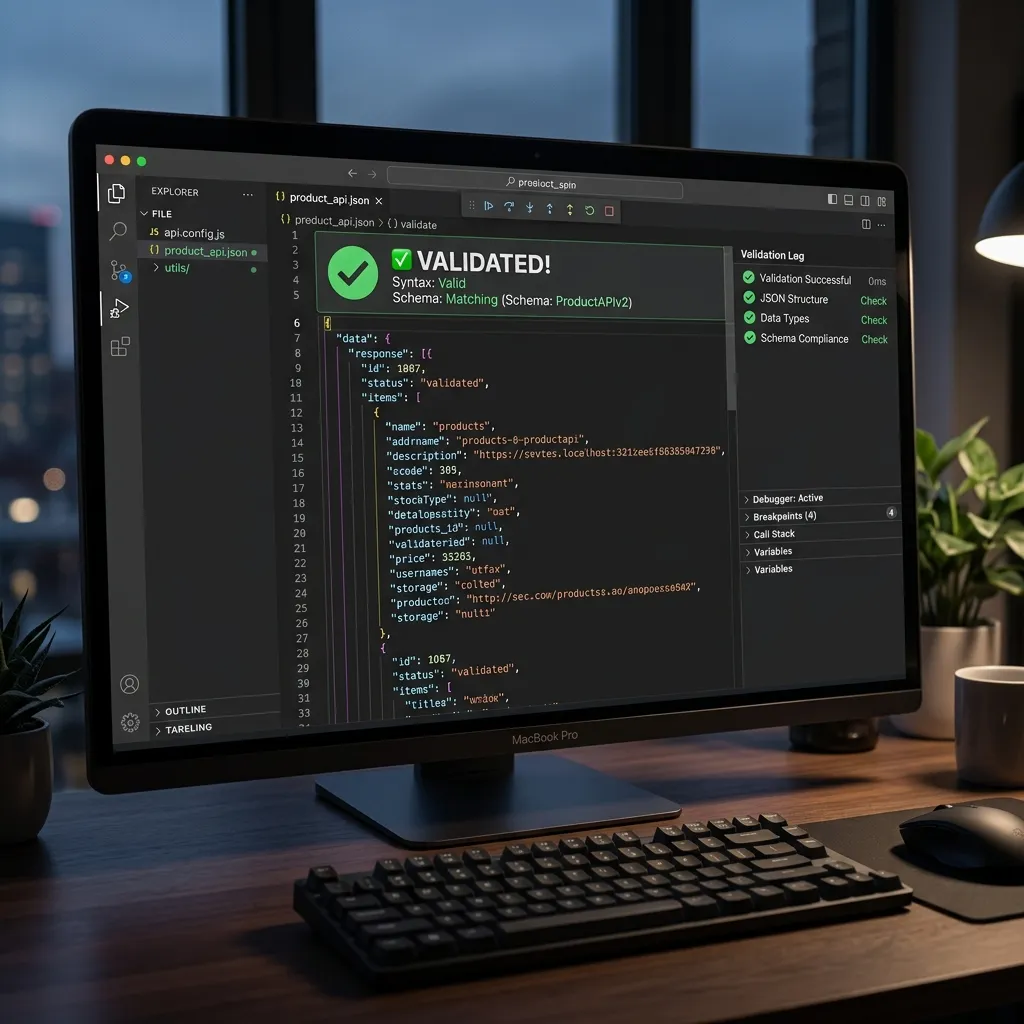
JSON (JavaScript Object Notation) has become the de facto standard for data interchange across modern web APIs, configuration files, and document databases. However, as systems grow more complex, debugging malformed payloads or validating large documents against strict schemas becomes a significant engineering challenge. This guide covers everything from foundational syntax rules to advanced schema validation.
Step-by-Step Guide
- Define the required structure of your JSON data by writing a JSON Schema document.
- Select a JSON validation library compatible with your programming language (e.g., Ajv for JavaScript).
- Integrate the validator into your application's data ingestion pipeline (like an API endpoint).
- Configure your application to reject invalid JSON payloads and return clear, descriptive error messages to the client.
The Anatomy of a Syntax Error
A single trailing comma, an unescaped quote, or a missing bracket can break an entire data pipeline. Most default JSON parsers (like JSON.parse() in JavaScript or json.loads() in Python) fail fast and throw a generic Unexpected token error. To debug effectively, you must understand how parsers tokenize input.
Common syntax errors include:
- Trailing Commas: Unlike JavaScript objects, standard JSON strictly forbids a comma after the final item in an array or object.
- Unquoted Keys: Keys must be wrapped in double quotes. Single quotes or unquoted keys will trigger parsing errors.
- Escaping Characters: Special characters within strings (like tabs, newlines, or quotes) must be properly escaped (e.g.,
\n,\").
Deep Dive: JSON Schema Validation
While syntax checking ensures your JSON is structurally valid, it doesn't guarantee the data is semantically correct. This is where JSON Schema comes in. JSON Schema (typically draft-07 or newer) allows you to define a contract for your data payloads.
A basic schema specifies types and required fields. For example, if you expect a user object, you can enforce that the email field is a string and that the age field is an integer greater than 18. Validation engines evaluate the payload against the schema and output a list of precise errors, such as expected type string, got null.
{
  "$schema": "http://json-schema.org/draft-07/schema#",
  "type": "object",
  "properties": {
    "username": {
      "type": "string",
      "minLength": 3
    },
    "roles": {
      "type": "array",
      "items": { "type": "string" }
    }
  },
  "required": ["username", "roles"]
}
Payload Minification and Formatting
In production environments, reducing the byte size of API responses is critical for latency. Minification strips out all unnecessary whitespace (spaces, tabs, newlines), reducing the payload size significantly. However, when debugging, you need the opposite: pretty-printing.
Formatting JSON with a consistent indentation (usually 2 or 4 spaces) makes complex nested structures readable. When dealing with deeply nested JSON, a tree-view explorer can be invaluable, allowing you to collapse nodes and focus on specific data segments.
Diffing JSON Documents
Another common debugging scenario is comparing two JSON documents. Perhaps an API response changed unexpectedly between versions, or a configuration file was altered. Because JSON keys are inherently unordered, a standard text diff (like Git's diff) is often unhelpful. It will flag lines as changed simply because the keys are in a different sequence.
Semantic JSON diffing solves this by parsing both documents into memory and comparing their actual structure. It identifies added keys, removed keys, and modified values, regardless of the order they appear in the raw string.
Automating Validation in CI/CD
Relying on manual validation is prone to error. Best practices dictate that JSON validation should be automated within your Continuous Integration (CI) pipeline.
- Configuration Testing: If your application relies on JSON config files, your CI should validate them against a known schema before deployment.
- API Contract Testing: Use tools that validate your staging API responses against your OpenAPI/Swagger definitions (which use JSON Schema under the hood).
Frequently Asked Questions
What is JSON validation?
JSON validation is the process of checking whether a JSON document is structurally correct and conforms to a specific set of rules or schema.
Why is JSON validation necessary?
It prevents applications from crashing or behaving unpredictably by ensuring that the incoming data contains the expected data types and required fields before it is processed.
What is JSON Schema?
JSON Schema is a standardized vocabulary that allows you to annotate and validate JSON documents, defining required properties, array lengths, and data types.
Need to validate, format, or diff a JSON payload right now? Use our secure, browser-based utility.
Launch Tool